
Turn webpages into editable Figma designs.
and see how great websites are actually built.
The same component, two ways. By hand in ~30 min, or with Gridpeel in ~6 sec.
How it works
Two surfaces, one workflow. From hover to clean Figma frame in four steps.
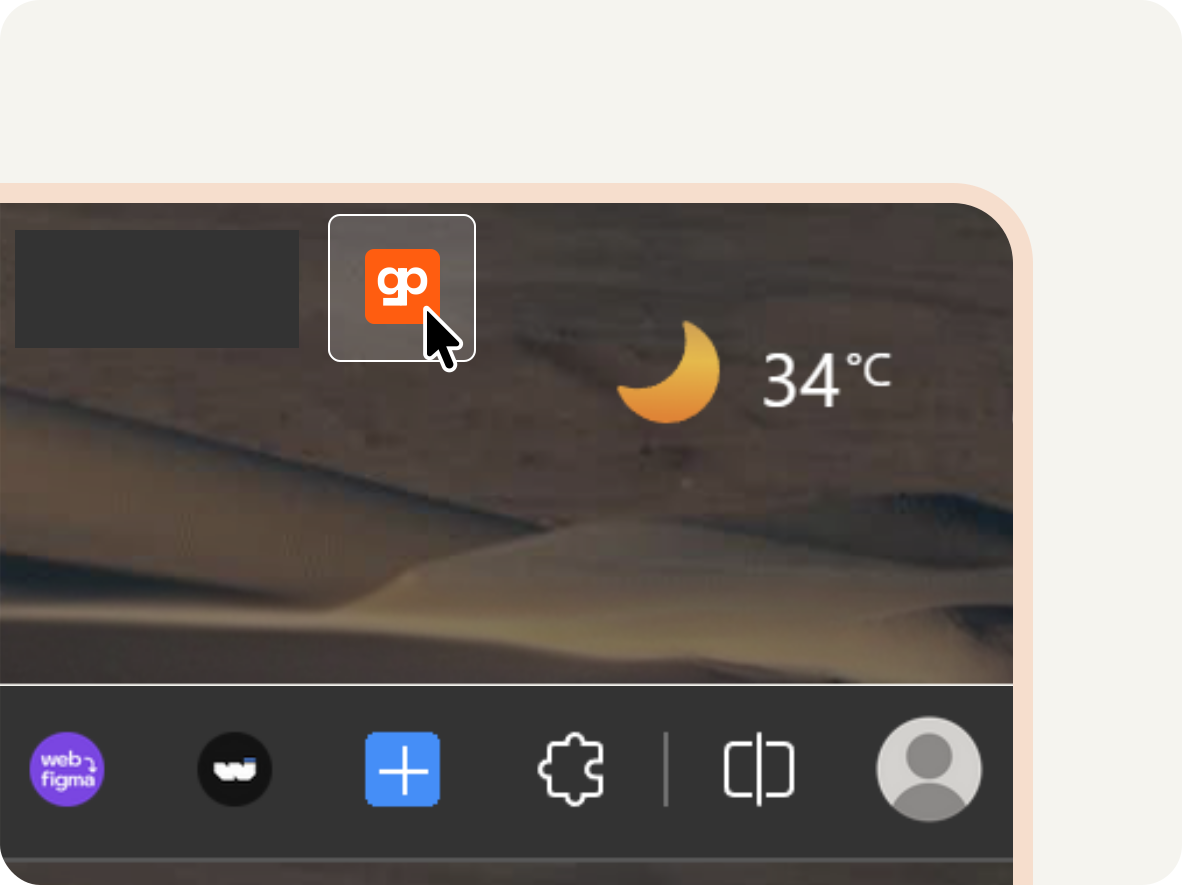
Enable Gridpeel on the page you want to inspect.
Click the extension icon. The inspector overlay activates and highlights elements under your cursor.
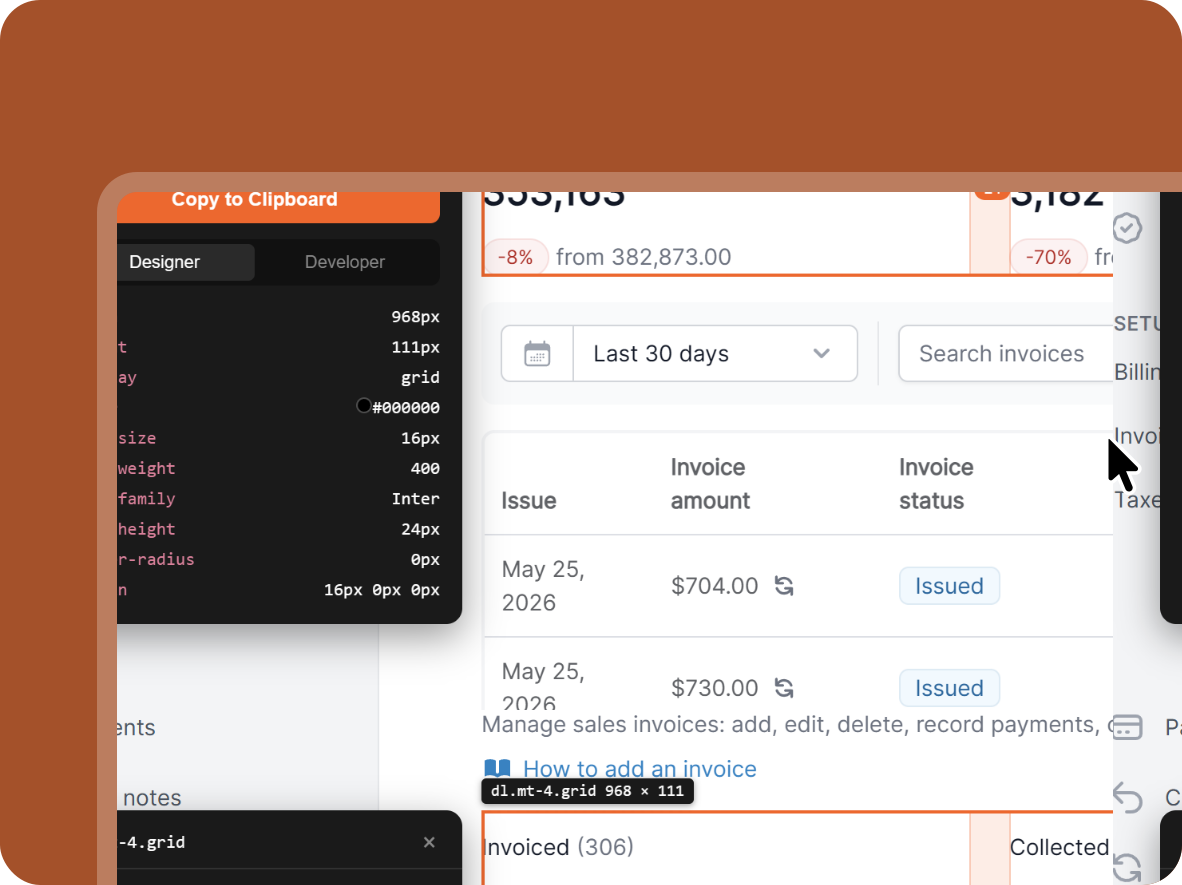
Hover and click the element you want.
See live spacing, padding, margin, fonts, and colors — without ever opening DevTools.
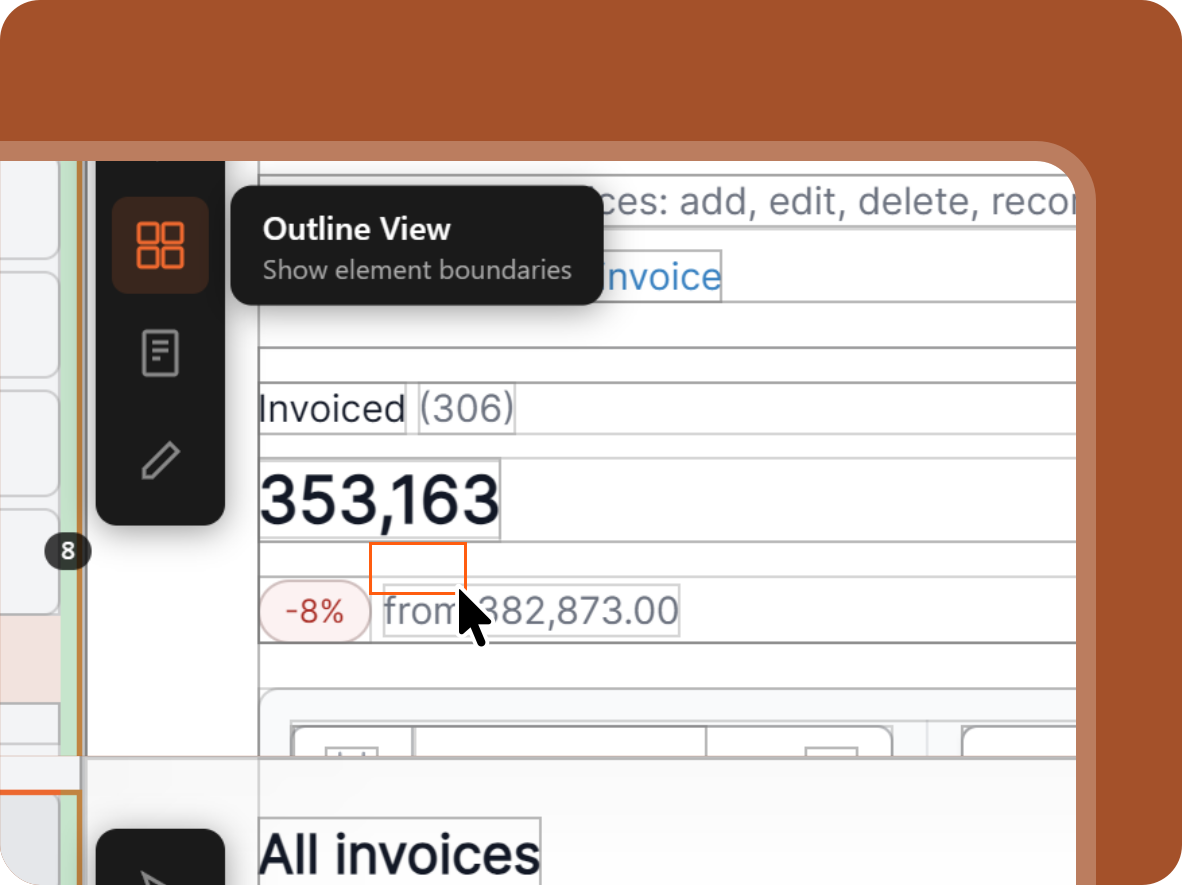
Need precision? Switch to Outline view.
Drill into deeply nested layers with the structured outline picker — perfect for complex components.
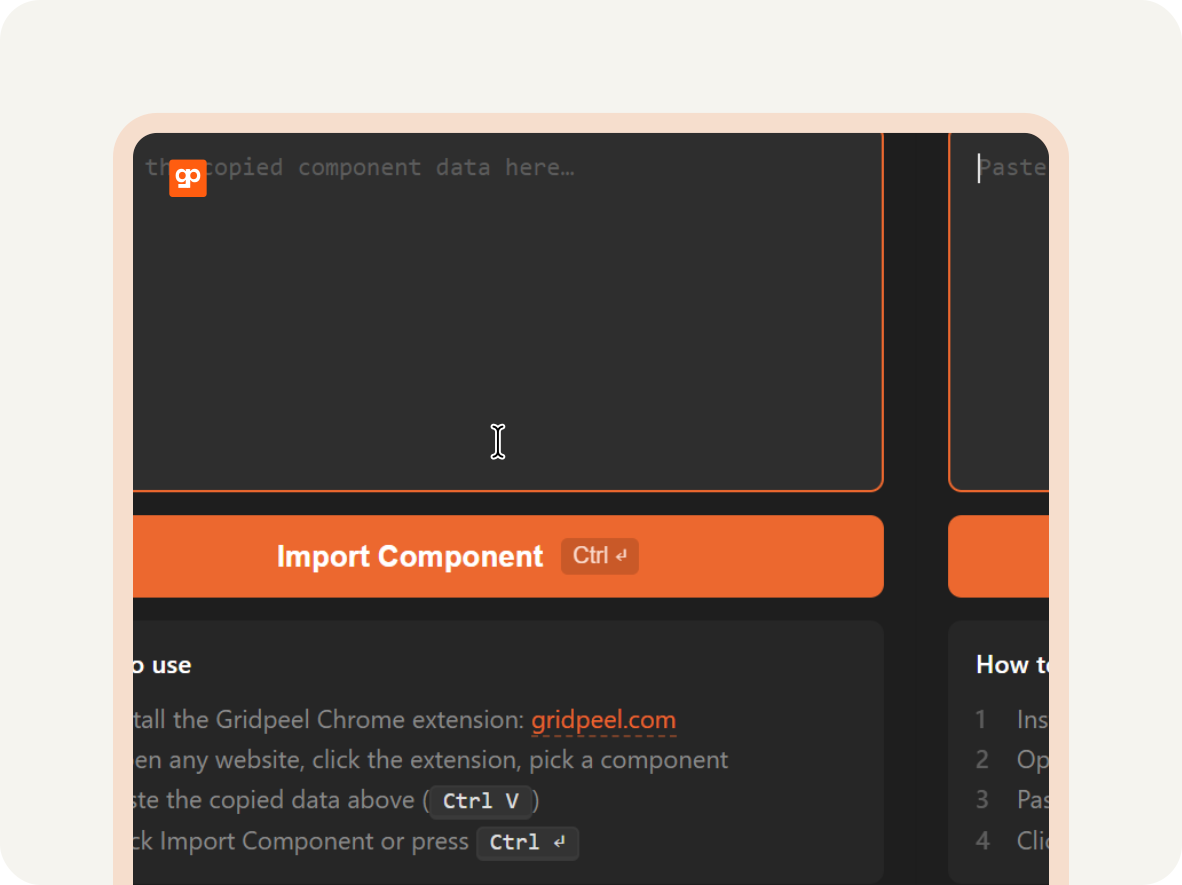
Open the Figma plugin and paste.
Your component arrives as clean auto-layout. No nested groups. Ready to edit.
Built for the way designers actually work.
Visual inspection
Hover any element for live spacing, colors and type — or switch to outline view to drill into nested layers. Keyboard shortcuts throughout.
Component import
Clip any element and import it into Figma as clean auto-layout. Not a messy page dump.
Designer / Developer modes
Same inspection data, two units — pixels for designers, rems for developers.
Live edits
Edit any website on the fly to test design changes before committing.
Coming soonFree to start. Pro when you need more.
- Unlimited visual inspection
- Core Chrome extension features
- Designer and Developer modes
- Everything in Free
- Unlimited component clips
- Advanced inspection data (CSS, flex/grid)
- Priority feature requests
Made for designers — but used by more than just designers.
Skip the screenshot-redraw loop. Pull components straight from inspiration sites into Figma.
Build pitch decks and social assets faster. Clip what you need from any live page.
Reference, document, and inspect competitor sites without leaving your browser.
Yes — the extension does the inspection and selection on websites, and the plugin imports your selections into Figma. Both are needed for the full workflow. But the extension on its own is a complete inspection tool, so you can use just that if you don't need the import side.
Yes. Because Gridpeel runs as a Chrome extension, it works on any page you can see in your browser — including private dashboards, staging sites, and logged-in apps.
Clean auto-layout with proper hierarchy. Not hundreds of nested groups.
Yes — though Gridpeel was designed with designers in mind. Developers use the inspection layer for quick layout checks (faster than opening DevTools), and QA teams use it for visual regression and spec verification.
Only the minimum required to make the extension work — your account email, anonymous usage stats, and the URLs of pages where you actively use Gridpeel features. Page contents themselves are processed locally in your browser and never sent to our servers. We don't collect or store the actual content of websites you inspect.
Most tools import entire pages and leave you with hundreds of nested layers to clean up. Gridpeel clips individual components and outputs clean Figma auto-layout. The inspection layer is also a complete tool on its own — even without the import side, the free tier replaces DevTools for most design work.
Ready to stop redrawing screenshots?
Free to start. Join the waitlist for early access.
No spam. We'll email you when it's ready.